The digital menu for your restaurant
Your customers scan a QR code and see your catalog instantly: your branding, prices you update on the spot and orders straight to WhatsApp. No apps, no reprinting.

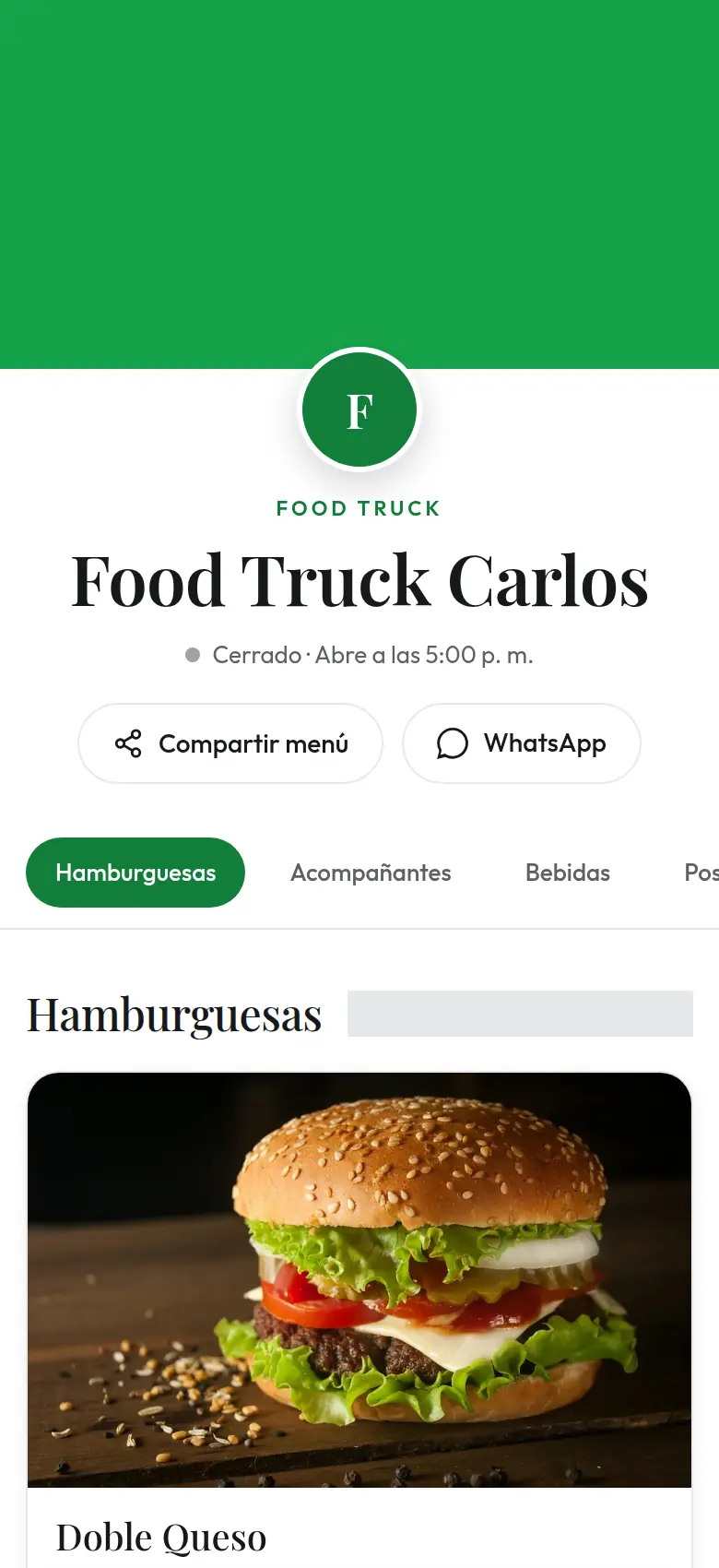
From zero to your QR menu, hassle-free
We set up the groundwork; you just personalize and share.
We set up your business
We create your account and leave your menu ready to personalize, with your name, your category and your panel login.
You personalize it
Add categories, products, photos and prices from the panel. Change anything, anytime, instantly.
You print your QR
Download your QR code and place it on your tables, window or packaging. The QR never changes, even when the menu does.
Built to sell more and look the part
Everything your business needs, in one place.
A QR that never changes
Print once. Update the menu as often as you like without reprinting the code.
Orders over WhatsApp
Customers build their order and it lands in your WhatsApp, ready to confirm.
Templates with live preview
Pick your menu design and see exactly how it looks before you publish.
Your own brand
Your logo, your color, your cover. The menu looks like your business, not a generic template.
Instant prices
Change a price and it updates right away for every customer. No waiting.
DR$ or US$ currency
Show your prices in Dominican pesos or US dollars, whatever fits your business.
Multiple locations
Run all your locations from a single account, each with its own menu.
Open or closed
Your menu shows in real time whether you're open and when you reopen.
What kind of business do you run?
Wolfix Menu adapts to whatever you sell. Pick yours and see how it fits.
Restaurants & food trucks
A digital menu, mouth-watering photos and orders over WhatsApp.
See the restaurants pageSee it working on a real menu
Open a sample menu exactly as your customer would see it after scanning the QR.
Open sample menuWhat people usually ask
Do I need to reprint the QR code when I change the menu?
No. Your QR code is fixed: print it once. You can change products, photos and prices as often as you like and the same QR will always show the updated menu.
Do my customers have to download an app?
No. The menu opens in the phone's browser the moment they scan the QR. There's nothing to install, for you or your customers.
Can I take orders over WhatsApp?
Yes. Customers build their order from the menu and it reaches your WhatsApp directly, ready for you to confirm and prepare.
Can I use my own logo and brand colors?
Of course. Upload your logo, pick your color and your cover. The menu carries your business's identity.
Does it work if I have several locations?
Yes. You run all your locations from a single account, and each one has its own menu and its own QR.
What currency are prices shown in?
You can show your prices in Dominican pesos (RD$) or US dollars (US$), whatever suits your business.
Request your quote
Tell us about your business and we'll put together a proposal tailored to you. No strings attached.
Hi, I'd like a quote for Wolfix Menu for my business